Don't miss our holiday offer - up to 50% OFF!
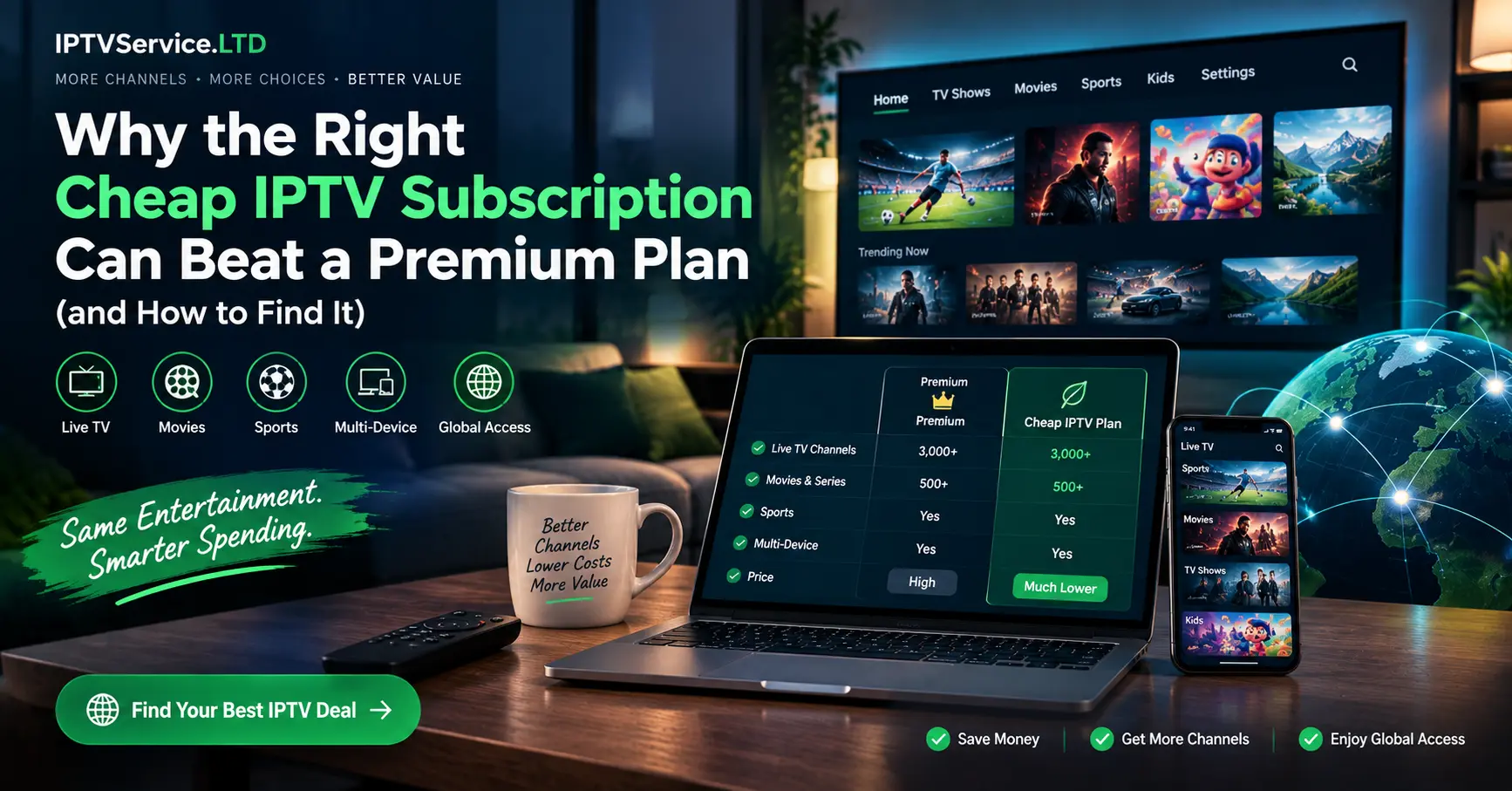
Why the Right Cheap IPTV Subscription Can Beat a Premium Plan (and How to Find It)

Last winter, a reader sent me a screenshot of a checkout page offering twelve months of live TV for less than the price of two takeaway pizzas. Her question was simple. Is a cheap IPTV subscription ever worth it, or was she about to throw money into a hole?
My honest answer, after years of testing budget plans on everything from a creaky Fire TV Stick to a brand new LG set, is yes, sometimes. A low price isn’t the problem. A low price with no licensing, no support and no trial absolutely is.
What follows is the framework I actually use when judging a cheap IPTV subscription, whether I’m reviewing one for this site or helping a friend pick a plan. It’s practical, it’s a little opinionated, and it’ll save you from the most common traps.
Why a Cheap IPTV Subscription Isn’t Automatically a Bad Deal
Price tells you surprisingly little on its own. I’ve watched £5 plans run flawlessly for a year and £15 plans collapse within a fortnight.
Consider how streaming works behind the scenes. A provider pays for servers, bandwidth, content licences and support staff, then spreads those costs across thousands of viewers. When the numbers are big enough, a genuinely cheap IPTV subscription can still be profitable and perfectly stable.
Scale is the quiet hero here. A service with 50,000 subscribers can charge far less per head than one with 500, and still pay its engineers on time.
Budget airlines are a handy comparison. They get you from A to B for a fraction of the full fare, but they’re strict about what’s included, and the good ones are brilliant at the basics. A budget service IPTV plan works the same way when it’s run properly.
Where things go wrong is when the low price comes from cutting corners you can’t see. Overloaded servers, unlicensed streams and non-existent customer service are the usual suspects. Ofcom has repeatedly warned UK viewers that unauthorised streaming services can expose them to scams and security risks, and that’s worth taking seriously.
Where Your Money Actually Goes
Ever wondered why two plans offering near identical channel counts can differ in price by £60 a year?
Much of the answer lies in the supply chain. Most retail plans aren’t sold by the company that runs the servers. They’re sold by an iptv reseller who buys access in bulk, usually in the form of panel credits, and then sets their own retail price.
Honestly, this model isn’t sinister. It’s the same logic as a mobile network selling capacity to a budget SIM brand. The reseller handles billing and customer questions, while the upstream provider focuses on infrastructure.
Knowing this changes how you shop. A cheap IPTV subscription from a well run reseller can outperform a pricier plan from someone who’s bought a handful of credits and disappeared into a messaging app. The name on the checkout page matters less than the infrastructure behind it.
The Three Costs Hiding Inside Every Plan
Bandwidth is the big one. Every viewer watching in HD pulls roughly 5 to 8 Mbps from the provider’s servers, and at peak times that adds up to eye-watering bills.
Support comes next, and it’s the first thing budget sellers cut. Then there’s the licensing and infrastructure layer, which is where legitimate services spend serious money and where dodgy ones spend nothing at all.
Seven Proven Checks Before You Pay
Here’s the checklist I run through before I’d spend a single pound on a cheap IPTV subscription. None of it needs technical knowledge, just a bit of patience.
- Ask for a trial. Any service IPTV provider worth your time will offer a 24 to 48 hour test, sometimes for a pound or two. If they refuse outright, take that as your answer.
- Watch at peak time. A quiet weekday lunchtime tells you nothing. Test on a Saturday evening when a big live event is on, because that’s exactly when weak servers buckle.
- Check app compatibility. Make sure the service works with the player you already own, whether that’s Smart IPTV on a Samsung, TiviMate on a Fire TV Stick or IPTV Smarters Pro on your phone.
- Read the refund policy. A plan with no written refund terms is a gamble. Screenshot the policy before you pay, just in case it quietly changes later.
- Look closely at payment methods. Card payments and PayPal give you chargeback protection. Crypto only or gift card only checkouts strip away every safety net you have.
- Message support before buying. Send a simple question and time the reply. If it takes three days now, it’ll take three weeks when something breaks.
- Confirm the connection limit. Many budget plans allow one device only. If your household watches on two screens at once, that bargain suddenly costs double.
Seven checks might sound like a lot for a plan costing less than a tenner a month. Yet I’ve lost count of the times a five minute chat with support saved me a year of frustration.
What I Learned Running Three Budget Plans Side by Side
One Saturday last spring, I set up three budget plans on three identical Fire TV Sticks in my living room. Each cost between £5 and £7 a month, and each promised full HD, stable servers and round the clock support. My neighbour popped round, saw the setup and asked if I was opening an electronics shop.
By half past seven, when a major live match kicked off, the differences were obvious. Plan A held perfectly steady. Plan B dropped to a blurry 480p for about ten minutes, then recovered. Plan C froze entirely and never came back that evening.
Naturally, I messaged all three support teams. Plan A replied in eleven minutes with a genuinely useful suggestion. Plan B replied the next morning, and Plan C still hasn’t answered months later.
Tellingly, Plan C had the slickest website and the biggest channel list of the three. It taught me, yet again, that marketing polish and technical reliability rarely travel together at the budget end of the market.
Budget Tiers Compared at a Glance
Prices move around, so treat these as typical UK ranges I’ve seen across legitimate budget services in 2026 rather than fixed rules.
| Monthly price | Typical picture quality | Connections | Support level | Best suited to |
|---|---|---|---|---|
| Under £4 | Mostly SD and 720p | 1 | Email only, often slow | Occasional viewers |
| £4 to £8 | 1080p on most content | 1 to 2 | Chat support, same day | Most households |
| £8 to £12 | 1080p plus some 4K | 2 to 4 | Priority support | Families and heavy users |
| Over £12 | Wide 4K, catch up, full EPG | 4 or more | Dedicated support | Enthusiasts |
Interestingly, the £4 to £8 band is where I’d point most people looking for a cheap IPTV subscription. Below that, you’re usually trading stability for savings. Above it, you’re paying for features many viewers never touch.
Annual plans deserve a mention too. They often cut the monthly cost by 30 to 40 percent, but they also lock you in, so only commit once your trial has properly convinced you.
The Costs That Don’t Appear on the Price Tag
Beyond the monthly fee, a few extras can creep in. Player apps like TiviMate Premium or Smart IPTV carry their own charges, older devices may need replacing, and adding a second connection can nearly double the bill.
Nothing on that list is a deal breaker. It just means the real monthly cost is often a pound or two higher than the advertised one.
Making Smart IPTV and Other Players Work on a Budget
Your cheap IPTV subscription is only half the experience. The app you watch through shapes everything from menu speed to how the programme guide looks.
Smart TVs
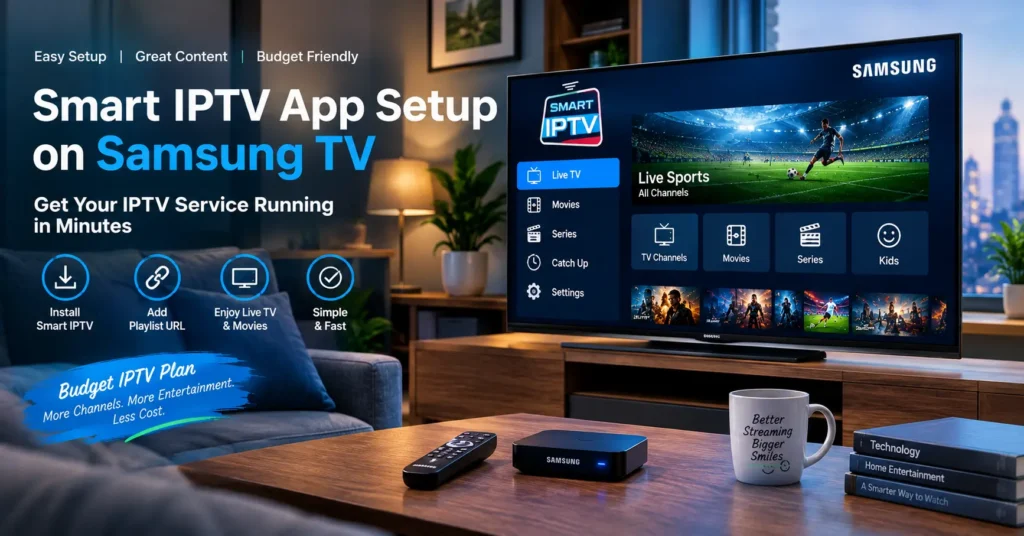
On Samsung and LG sets, the Smart IPTV app remains a popular choice, largely because it runs natively without extra hardware. It charges a small one-off activation fee after its trial period, which is worth factoring into the true cost of your plan.
Streaming Sticks and Boxes
Amazon’s Fire TV Stick 4K and most Android TV boxes open the door to TiviMate, which I’d call the most polished player around. The premium version costs extra, but features like catch up and multi-view make a budget plan feel far less budget.
Phones and Tablets
IPTV Smarters Pro and GSE Smart IPTV both cover Android and iOS well. They’re handy for travelling, though I wouldn’t choose a phone as my main screen for long evenings.
Catch up and a working electronic programme guide are the two features that separate a pleasant budget experience from a frustrating one. Ask about both during your trial, because a plan without a reliable EPG feels like reading a newspaper with the dates torn off.
A quick practical tip: if the stream stutters, run a test on Speedtest by Ookla before blaming the provider. Anything under 15 Mbps on a busy home network will struggle with HD, no matter how good the service is.
Red Flags That Turn a Cheap IPTV Subscription Into an Expensive Mistake
Some warning signs are subtle. Others practically wave at you from the homepage.
- Lifetime plans for a one-off fee. Nobody can promise to run servers forever on a single payment, and these services tend to vanish within months.
- Absurd channel counts. Claims of 40,000 channels usually mean padded lists full of duplicates and dead links.
- No website, only a messaging handle. Real businesses publish terms, privacy policies and a traceable identity.
- Pressure tactics. Countdown timers and “only 3 slots left” banners are sales theatre, not genuine scarcity.
- Requests to disable your antivirus. Being asked to switch off security or sideload an APK from a random link is your cue to walk away.
Which? has published research showing that illicit streaming devices and apps are a common route for malware and data theft. That’s the hidden bill no price comparison ever shows you.
The Legal Question Nobody Likes Asking
Let me be straightforward, because too many articles dodge this. IPTV is simply a delivery technology, and plenty of fully licensed services use it. The legal risk sits with services that rebroadcast content without the rights to do so.
The Federation Against Copyright Theft, better known as FACT, has pursued sellers of unlicensed streams through the UK courts, and viewers aren’t always immune from consequences either. Could you spot the difference between a licensed provider and a pirate one at a glance? Often not, which is exactly why the checks above matter.
Genuinely licensed options exist at every price point, including free, ad-supported services and the official apps from UK broadcasters. A budget plan that sits alongside those, rather than claiming to replace every paid platform for a fiver, is usually the more honest proposition.
Personally, my rule is simple. If a cheap IPTV subscription can’t tell me where its content rights come from, I don’t buy it, however tempting the price.
Thinking of Selling Instead? A Note for Would-Be Resellers
Something interesting happens once you’ve spent time comparing budget plans. You start noticing the margins.
Plenty of readers have asked me whether becoming an iptv reseller makes more sense than hunting for the lowest subscription price. For some people it does, particularly those with a local customer base and the patience to handle support messages. You buy panel credits in bulk, activate lines for customers and set your own pricing.
Still, it isn’t passive income, whatever the social media ads claim. You’re responsible for customer service, and your reputation lives or dies on the panel you choose. If you’re weighing it up, our guide Buy IPTV Panel Credits With Confidence: Start Reselling Today → /buy iptv panel walks through how credits work and what to check before you commit.
Choose an infrastructure partner, not a content middleman. The best resellers I know can offer a cheap IPTV subscription precisely because they’ve invested in reliable panels and licensed sources, not in spite of it.
Your Pre-Checkout Checklist
Before you enter card details, run through this quick list. It takes two minutes and could save you a year of headaches.
- Tested the service for at least 24 hours, including one busy evening
- Confirmed your preferred player app works smoothly with the login details
- Saved a copy of the written refund policy
- Chosen card or PayPal payment, never crypto or gift cards
- Received a reply to a pre-sale question within a day
- Matched the connection limit to the number of screens at home
- Asked the provider where its content rights come from
Where I’d Put My Money in 2026
So, is a cheap IPTV subscription a smart buy? It can be, provided you treat the price as the last thing you check rather than the first.
Trial it, time the support, read the small print and pay in a way that protects you. Do those four things and you’ll be ahead of most viewers who click “buy” on impulse.
Go ahead and grab that trial this weekend. Watch it when everyone else is watching, and let the stream tell you whether the bargain is real.
Frequently Asked Questions
Is a cheap IPTV subscription safe to use?
It can be, as long as the provider holds proper content licences and you pay through a protected method like a credit card or PayPal. The real dangers come from unlicensed services that push unknown apps or ask you to disable security software. Stick to providers with a clear website, written terms and responsive support. If anything feels secretive, trust that instinct and move on.
How much should a cheap IPTV subscription cost in the UK?
Most reliable budget plans in the UK sit between £4 and £8 a month, with annual deals often bringing that down further. Anything dramatically lower, particularly lifetime offers, tends to come with stability problems or disappears altogether. Remember to add the cost of any player app activation too. A fair price covers servers, support and licensing, so extremely low figures usually mean one of those has been skipped.
Can I use the Smart IPTV app with any service IPTV provider?
In most cases, yes, provided the provider supplies an M3U playlist link or Xtream Codes login. The Smart IPTV app works natively on Samsung and LG televisions and charges a small one-off activation fee after its trial. Some providers recommend specific players, so check before buying. If a service only works through its own unknown APK file, treat that as a warning sign.
What is the difference between an IPTV provider and an iptv reseller?
Put simply, a provider runs the servers and infrastructure, while an iptv reseller buys access in bulk, usually as panel credits, and sells subscriptions to end customers. The reseller typically handles billing and first-line support. Neither role is automatically better for viewers. What matters is whether the reseller works with a stable, licensed infrastructure partner and actually answers messages.
Why does my cheap IPTV subscription buffer in the evenings?
Evening buffering usually means either the provider’s servers are overloaded at peak time or your home connection is congested. Run a speed test on the device itself, ideally over a wired connection, and check you’re getting at least 15 Mbps. If your connection is fine, the provider is likely overselling its capacity. A good cheap IPTV subscription should hold steady even on busy weekend nights, so use your trial to check exactly that.